Follow trusted Focus logic
The connection runs only after Presence resolves the core status to Focus, including a custom status mapped to Focus.
BUSY BAR · BETA
Presence can start and stop the BUSY profile you already configured. BUSY App remains responsible for its own timers, notification controls, and app-blocking choices.
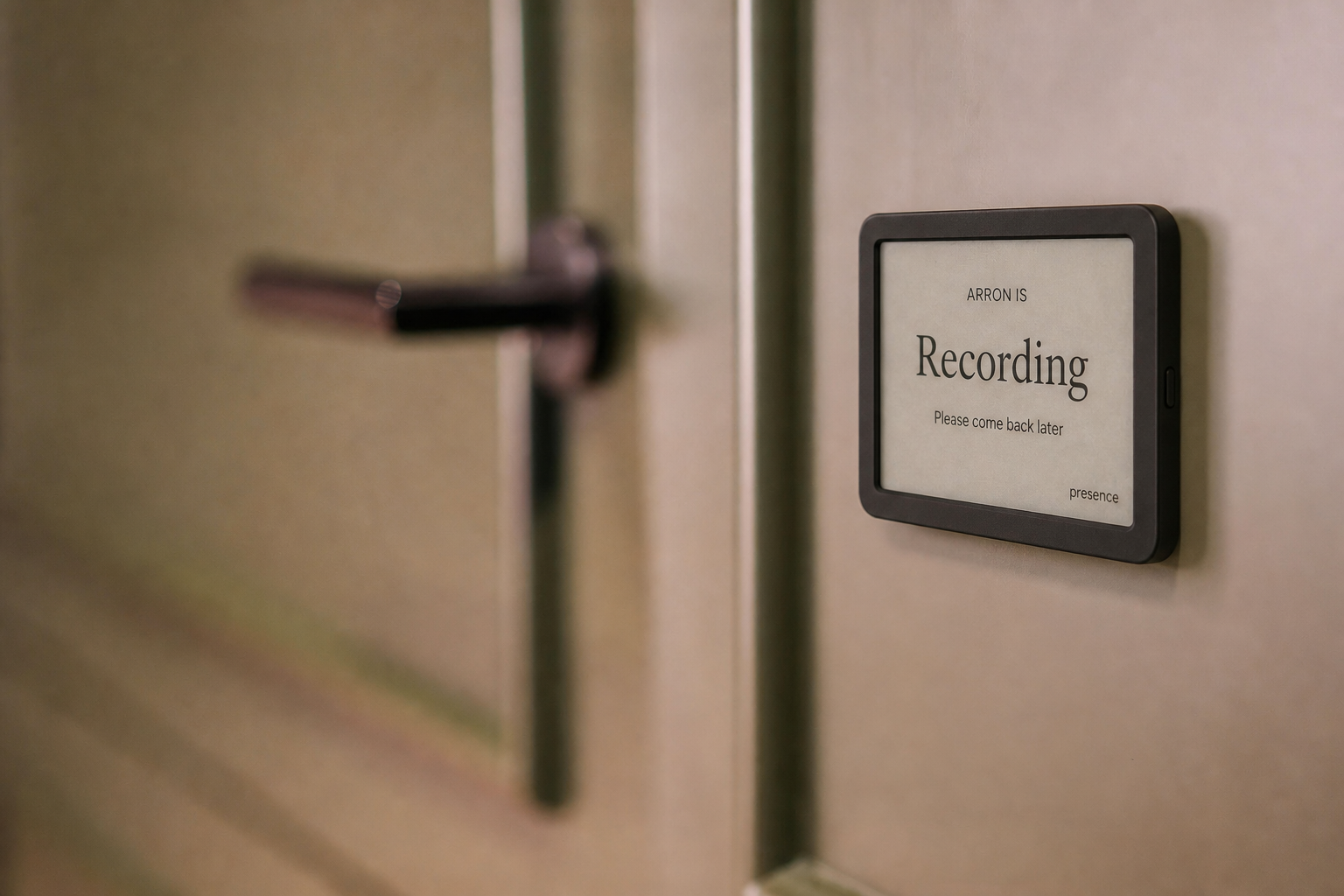
BUILT FOR DEEP WORK ACROSS DESKTOP AND MOBILE
Presence combines only the availability connections you approve into one simple, privacy-safe status. The people around you see whether now is a good time—not the private details behind the answer.
The connection runs only after Presence resolves the core status to Focus, including a custom status mapped to Focus.
Meetings, calls, and recordings still outrank Focus. Ending Focus stops the BUSY session and returns control to normal.
Presence starts the session; BUSY App applies the notification and app-blocking rules the user chose there.
Presence does not receive blocked-app lists, notification contents, browsing history, or attempts to open an app.
SET IT UP ONCE
Connect the BUSY Bar in BUSY App and configure the BUSY profile and any distraction rules you want it to use.
Create a personal API token at cloud.busy.app/api-tokens, then paste it into Dashboard → Connections → BUSY Bar focus.
Use any Presence Focus trigger. Presence hands the session to BUSY and stops it when Focus ends.
PRIVACY FIRST
Meeting titles, attendees, call participants, precise coordinates, chat, recordings, audio, and video stay out of shared views. Every user controls their own connections and links.
COMMON QUESTIONS
Not in this release. BUSY App applies its own supported blocking and notification rules. Presence does not claim system-wide controls a browser cannot reliably provide.
No. The beta handoff is intentionally limited to the core Focus status. Meetings, calls, recordings, Busy, and Away do not start BUSY blocking.
Presence is not shipping one. A future Strict Focus option should retain an accessible emergency exit and clear user control rather than require a phone reset.
GET STARTED
Try Presence free during the beta using your existing tablet or browser.
Get early access