Follow the final answer
BusyTag updates only after Presence resolves calendars, live meetings, calls, Focus, Away, custom statuses, and manual choices.
BUSYTAG · BETA
Presence can mirror its final status color on BusyTag LEDs through Luxafor’s official cloud webhook. BusyTag receives a color—not the private details that produced it.
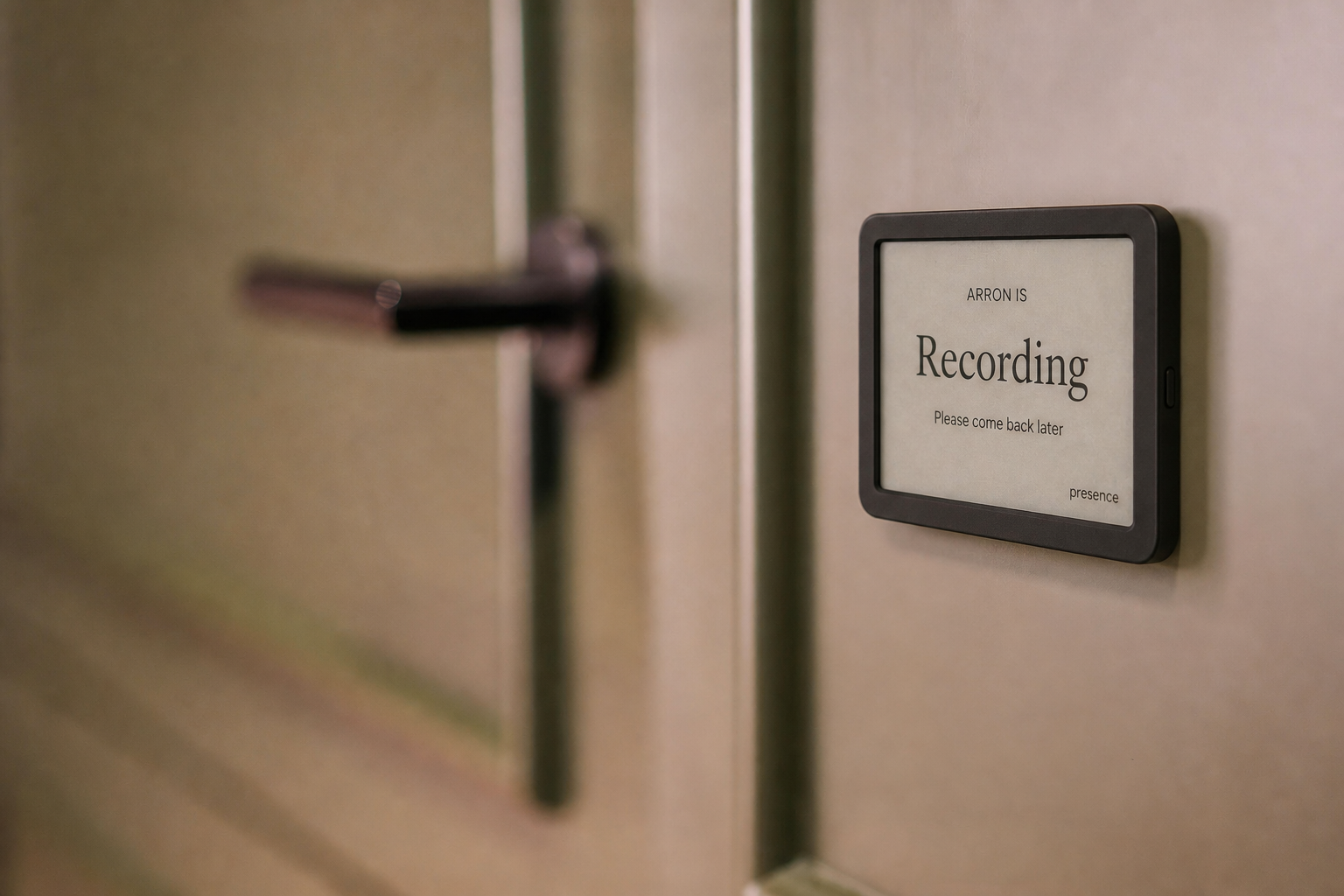
BUILT FOR HOME OFFICES, STUDIOS, AND SHARED WORKSPACES
Presence combines only the availability connections you approve into one simple, privacy-safe status. The people around you see whether now is a good time—not the private details behind the answer.
BusyTag updates only after Presence resolves calendars, live meetings, calls, Focus, Away, custom statuses, and manual choices.
BusyTag is an output only. It cannot override Presence, change priority rules, or interfere with another connected display.
Standard Presence colors and user-created Custom Status colors can both appear on the connected light.
Duplicate updates are skipped, and a BusyTag or Luxafor outage cannot block Presence from calculating or sharing status elsewhere.
SET IT UP ONCE
Open the BusyTag or Luxafor software and copy the ID shown in its Webhook tab.
Open Dashboard → Connections → BusyTag light, enter the ID, and send the purple connection test.
When the resolved Presence status color changes, the connected BusyTag LEDs follow automatically. Pause, test, or disconnect at any time.
PRIVACY FIRST
Meeting titles, attendees, call participants, precise coordinates, chat, recordings, audio, and video stay out of shared views. Every user controls their own connections and links.
COMMON QUESTIONS
The current color and the Luxafor identifier needed to reach the device. Presence does not send calendar titles, attendees, messages, callers, audio, video, documents, or precise location.
Not in this first beta. The public cloud webhook reliably controls the LEDs. Rich screen artwork requires BusyTag’s local-device API and a computer on the same network, which is a separate possible phase.
Presence records the connection error for the user and continues operating normally everywhere else. The next status request can retry the update.
GET STARTED
Try Presence free during the beta using your existing tablet or browser.
Get early access